Announcements that miss half the room
A flyer on the board, a post in the chat, a page on the website. Somebody always says they never heard.




The same faces every week, and the accountant, the nurse and the new family in town still sit three rows apart without knowing it. Announcements live on a flyer, a group chat and a website nobody updates. Give your community one door, one place to reach everyone, and a living picture of who you have.
Open now, and free to start. Your address is yours as soon as you choose it.

The problem
A flyer on the board, a post in the chat, a page on the website. Somebody always says they never heard.
The new family needs a doctor, a school and a friend. The answers sit in the same hall, unknown to each other.
You know there are hundreds of skills in the community. You just cannot see them, so the same few carry everything.
The shift
Today
With NexusG8
What every community gets
The same rails every community on NexusG8 runs on, from the first day. Here is what each one means for you.
A code at the entrance and an address that is yours, with your schedule, programmes, giving and contact behind it. Visitors follow in one tap; people who belong ask to join and a steward welcomes them.
Classes, a volunteer call, a family in need, a schedule change. From your Command Center one message reaches every member and follower in the app and by email.
Who teaches, who heals, who builds, who is looking for work or a mentor. A living map of your community’s skills and needs, seen only inside the community, by the people who chose to share.
Made for the people who gather
Every Community Gate offers two doors: Follow, instant and private, for the visitor and the curious; and Ask to join, which a steward answers, for the people who belong. Both are always there, and the line beneath says which is which. Your traditions and your rules stay yours.
Someone new follows on their first visit, asks to join when ready, and is shown the people they should meet.
Members say what they offer and need. When you need a tutor or a counsellor, you can see who said yes.
Stewards change; the members, the history and the door stay with the community.
How it works
Print it from your Command Center and put it by the entrance. Your address works online the same day.
Visitors follow in a tap. Members ask to join, and you approve the people you know.
One message to the whole community, and a map of who you have to call on.
Questions
No. It is built for every congregation and community center, of any faith or none.
No. Keep what works. NexusG8 becomes the one place everything starts from, and the one list that is always up to date.
Only what each member chooses to show, and only to people they share a community with. Their number and email are never public.
Yes. Owners, admins and moderators each get their own seat in the Command Center.
Approved communities can keep their records in a database of their own, in the region they choose. Our team sets it up with you.
Tell us about your community and we will set the door up with you.
Other communities
 WhatsApp groupsFrom random numbers to a real network.
 Athletes & influencersOwn the address your people find you at.
 Businesses & brandsReach the communities you’re built for.
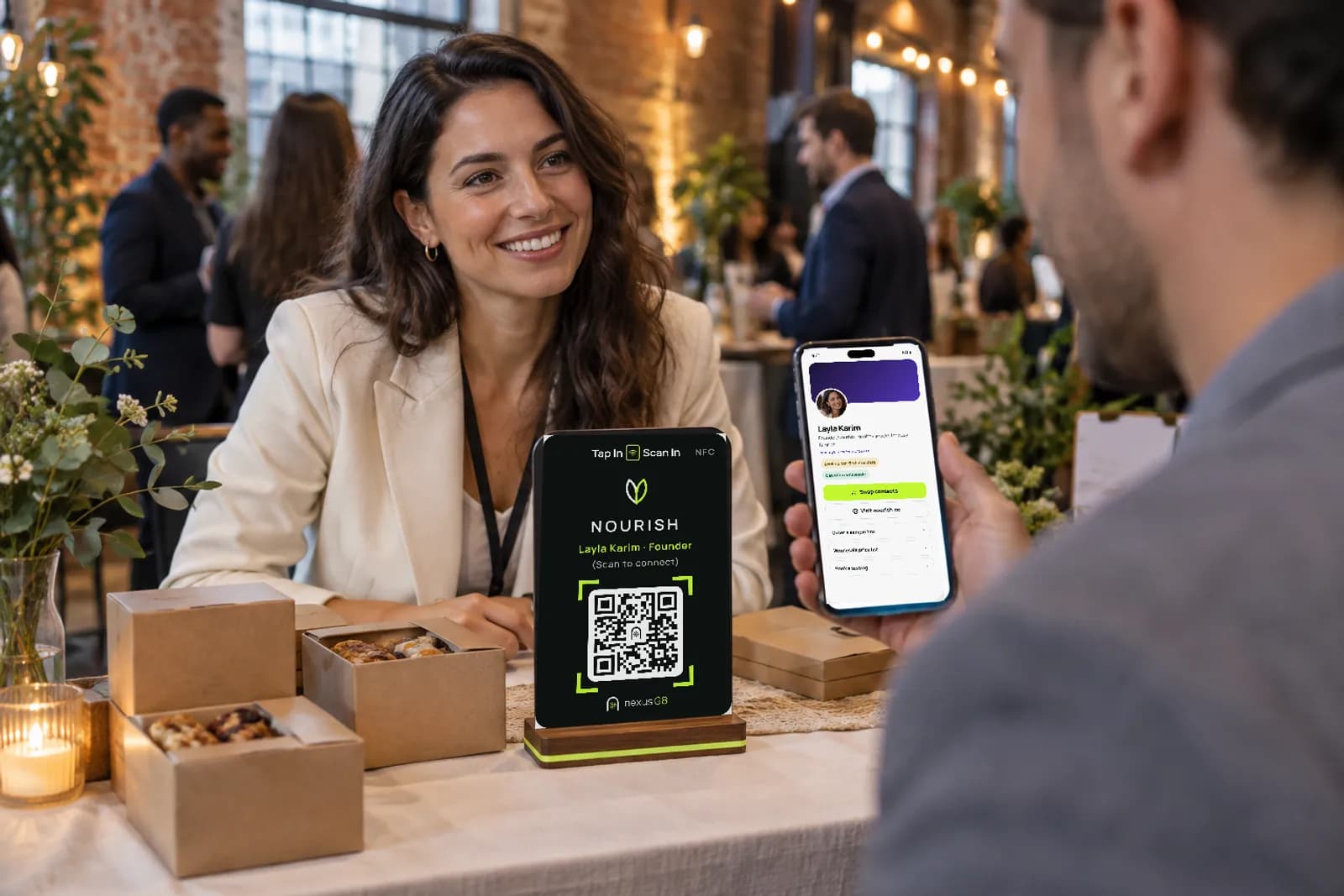 Founders & startupsReach them by address, not by guesswork.
 FranchisesMeet the operators, investors and communities looking for you.
 Alumni & studentsEvery chapter, one network, for life.
 Event organizersLet every guest take the room home.
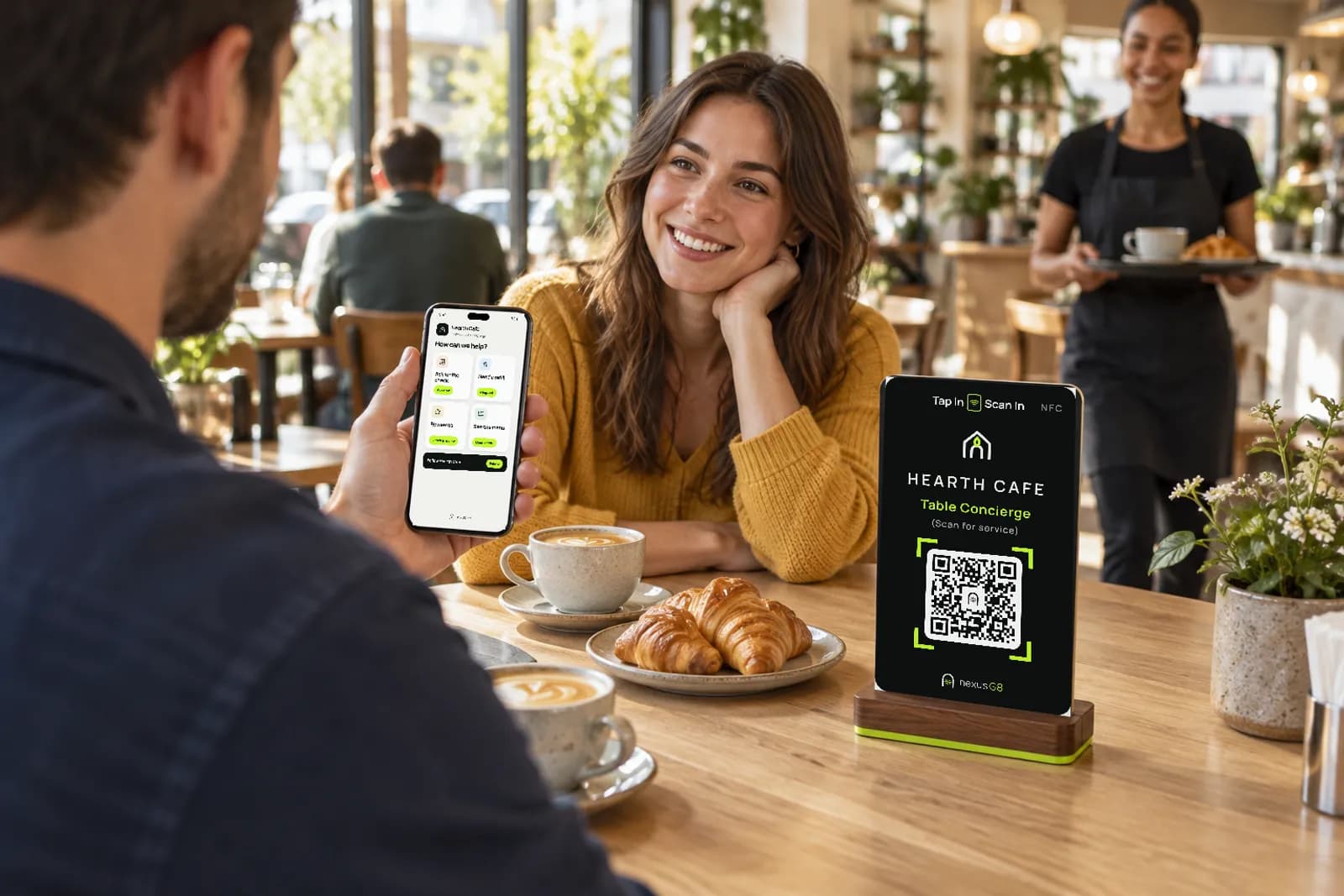 RestaurantsTurn every table into a regular.